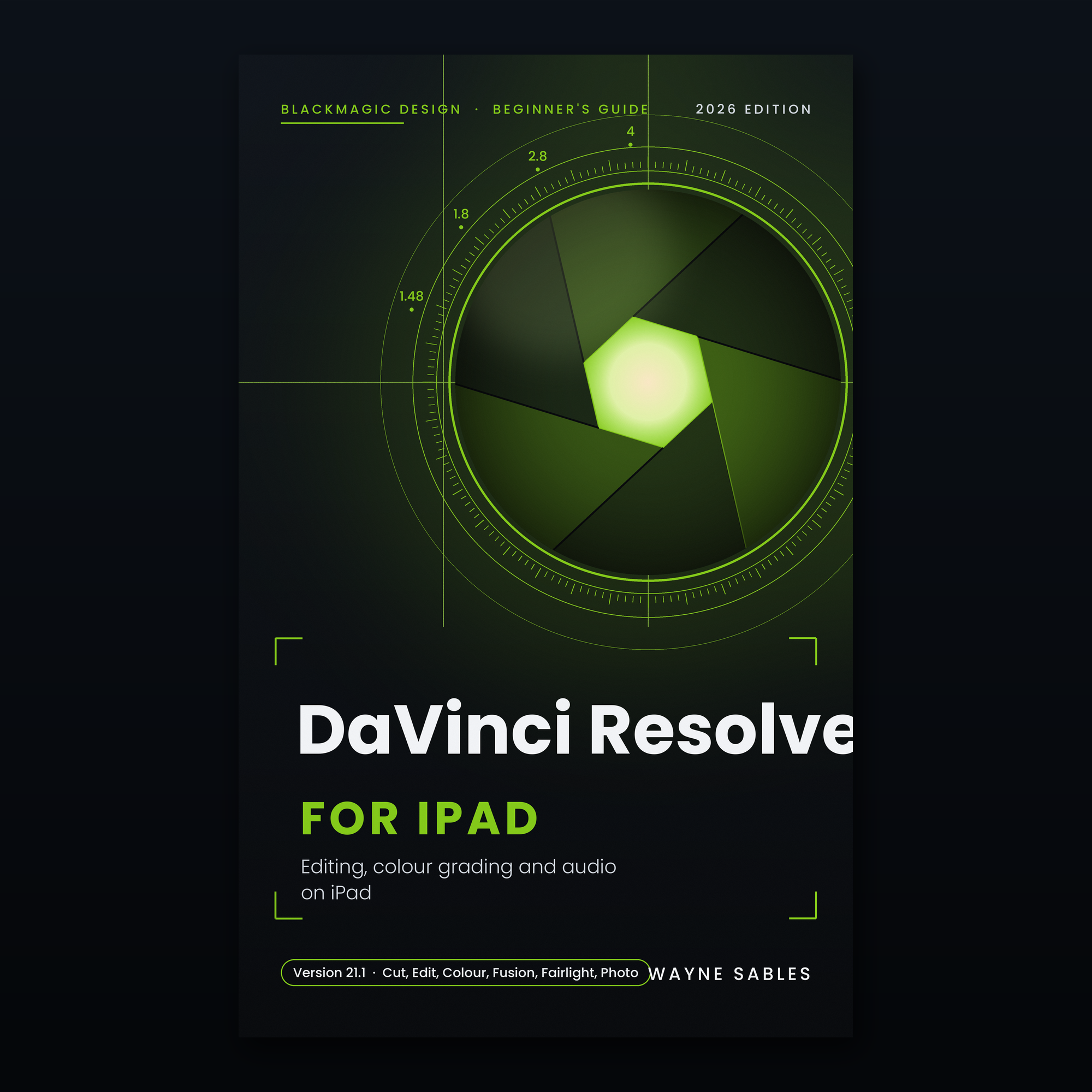
DaVinci Resolve for iPad is the full professional editing application from Blackmagic Design running on a touchscreen. The same tool used to finish feature films and streaming series. Free to download.
DaVinci Resolve for iPad: A Beginner's Guide covers all six pages of the application: Media for organisation, Cut for fast assembly, Edit for precision timelines, Fusion for compositing, Colour for node-based grading, and Fairlight for audio mixing, plus the Photo page for still image work added in version 21.
Written for version 21.1 (September 2026), it covers the Cut page Voice Over tool just added in that release, background rendering for M4 iPads, IntelliSearch AI, Magic Mask, CineFocus, AI transcription, the AI Music Editor, and Blackmagic Cloud sync between iPad and desktop.
It is honest about where desktop DaVinci Resolve is faster and where the iPad holds its own. The colour grading chapter is written for someone who has never used a node-based grader, starting from first principles and building to a three-node professional workflow.
16 chapters from installation and project setup through all six pages, AI tools, the Photo page, desktop sync and a complete production workflow guide
Coverage of DaVinci Resolve for iPad 21.1 including Voice Over in the Cut page, background rendering on M4, IntelliSearch and Magic Mask
6 annotated diagrams: the Media page, Cut page dual timeline, Edit page, Colour page node editor, Deliver page and the full production workflow
4 graded projects: one-minute documentary edit, LOG to finished grade, green screen composite and a complete short film finish
A 20-question quiz with explained answers
Reference card: page overview, standard workflow, colour node order, audio levels and keyboard shortcuts
• ⁃ Glossary of 32 DaVinci Resolve terms in plain English
DaVinci Resolve for iPad is the full professional editing application from Blackmagic Design running on a touchscreen. The same tool used to finish feature films and streaming series. Free to download.
DaVinci Resolve for iPad: A Beginner's Guide covers all six pages of the application: Media for organisation, Cut for fast assembly, Edit for precision timelines, Fusion for compositing, Colour for node-based grading, and Fairlight for audio mixing, plus the Photo page for still image work added in version 21.
Written for version 21.1 (September 2026), it covers the Cut page Voice Over tool just added in that release, background rendering for M4 iPads, IntelliSearch AI, Magic Mask, CineFocus, AI transcription, the AI Music Editor, and Blackmagic Cloud sync between iPad and desktop.
It is honest about where desktop DaVinci Resolve is faster and where the iPad holds its own. The colour grading chapter is written for someone who has never used a node-based grader, starting from first principles and building to a three-node professional workflow.
16 chapters from installation and project setup through all six pages, AI tools, the Photo page, desktop sync and a complete production workflow guide
Coverage of DaVinci Resolve for iPad 21.1 including Voice Over in the Cut page, background rendering on M4, IntelliSearch and Magic Mask
6 annotated diagrams: the Media page, Cut page dual timeline, Edit page, Colour page node editor, Deliver page and the full production workflow
4 graded projects: one-minute documentary edit, LOG to finished grade, green screen composite and a complete short film finish
A 20-question quiz with explained answers
Reference card: page overview, standard workflow, colour node order, audio levels and keyboard shortcuts
• ⁃ Glossary of 32 DaVinci Resolve terms in plain English